Welcome, there
Checking membership status…
AURA Engine
…
The full real-time 3D environment — GIS, BIM, and AI over photoreal
digital twins. Download the Windows client and sign in with this
account.
Ask AURA
In the browser
Ask any question about the planet — AURA finds the data, runs the
spatial analysis, and draws the answer on a globe. Works on any
machine, nothing to install.
Tutorials
Seven short walkthroughs of the engine, from the interface tour to importing your own 3D models — each opens on YouTube.
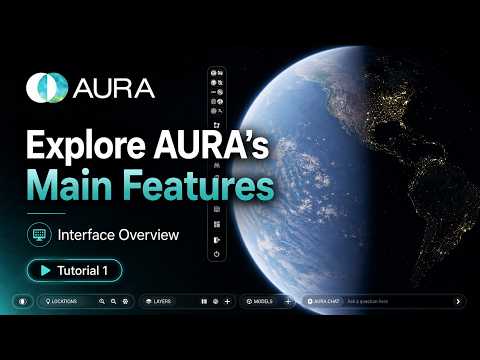 01
Interface Overview
Main features and tools.
Watch on YouTube ↗
01
Interface Overview
Main features and tools.
Watch on YouTube ↗
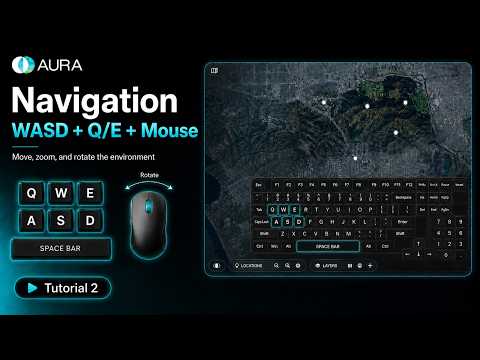 02
Navigation
WASD, Q/E, space bar, and mouse controls.
Watch on YouTube ↗
02
Navigation
WASD, Q/E, space bar, and mouse controls.
Watch on YouTube ↗
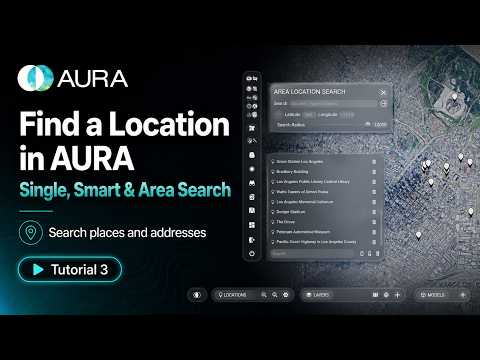 03
Finding Locations
Single, smart, and area search.
Watch on YouTube ↗
03
Finding Locations
Single, smart, and area search.
Watch on YouTube ↗
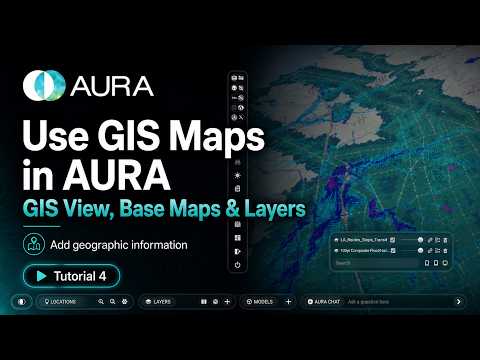 04
GIS Maps
GIS view, base maps, and layers.
Watch on YouTube ↗
04
GIS Maps
GIS view, base maps, and layers.
Watch on YouTube ↗
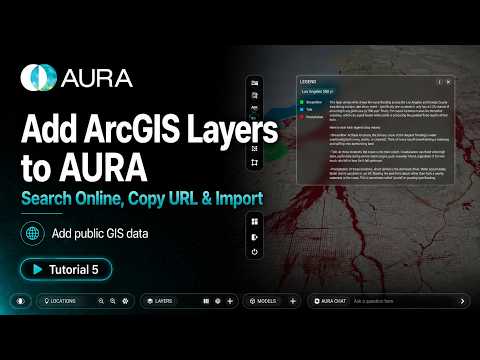 05
ArcGIS Online Layers
Copy a layer URL and import GIS data.
Watch on YouTube ↗
05
ArcGIS Online Layers
Copy a layer URL and import GIS data.
Watch on YouTube ↗
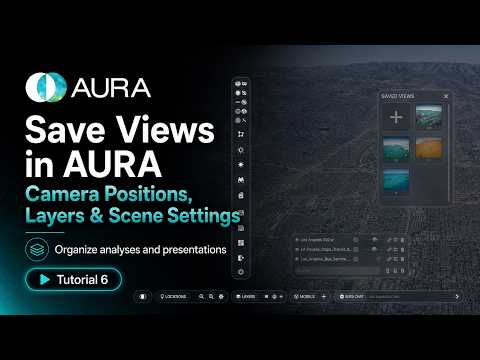 06
Saved Views
Camera positions, layers, and scene settings.
Watch on YouTube ↗
06
Saved Views
Camera positions, layers, and scene settings.
Watch on YouTube ↗
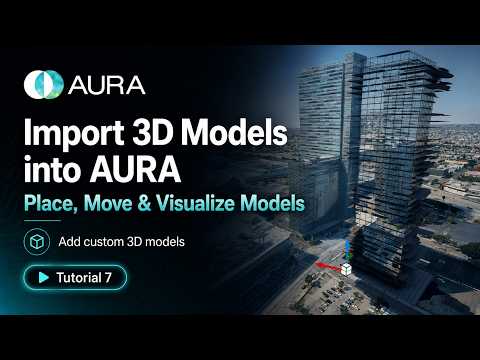 07
Importing 3D Models
Place, move, and visualize custom models.
Watch on YouTube ↗
07
Importing 3D Models
Place, move, and visualize custom models.
Watch on YouTube ↗